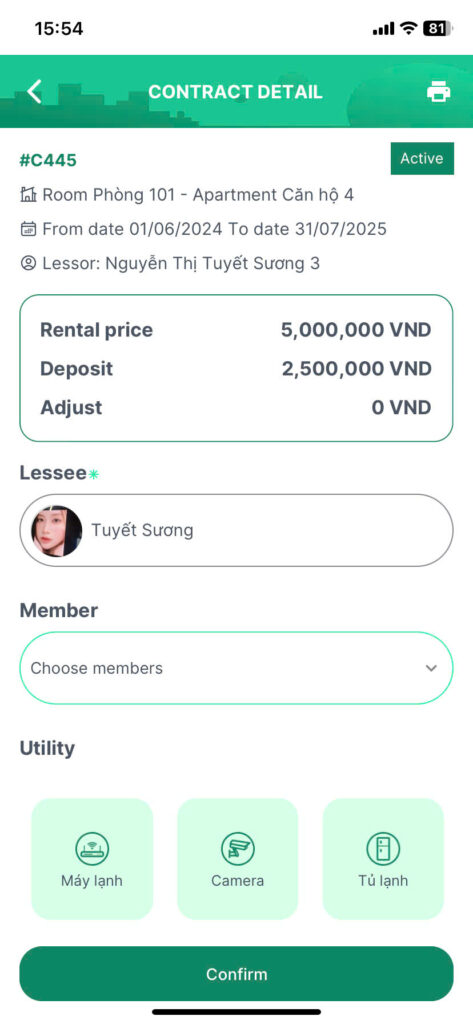
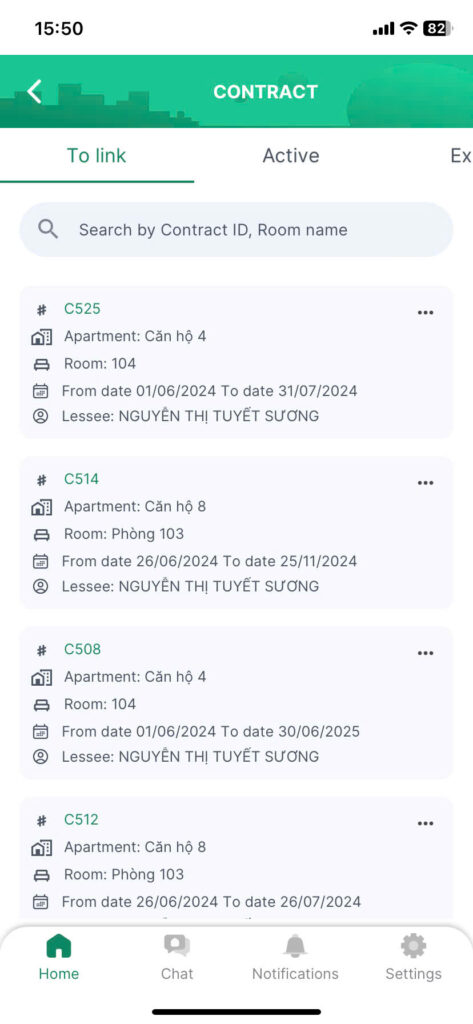
When the landlord has drafted the contract and added the tenant as the representative of the tenant side, click on the “Send” button. The contract will be sent to the tenant in “To link” status
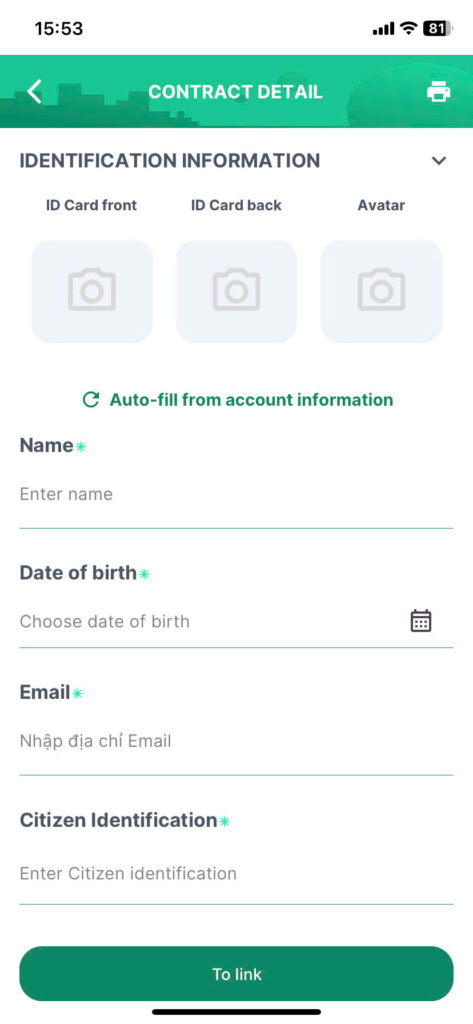
Step 1: The tenant reviews the contract information, uploads a photo of the front and back of their ID card/identity card, fills in all required fields, and clicks the “To link” button.
Once linked successfully, the contract will change to “Active” status. The landlord and tenant can now interact with each other and perform functions related to the rental services provided by the app.