Logout
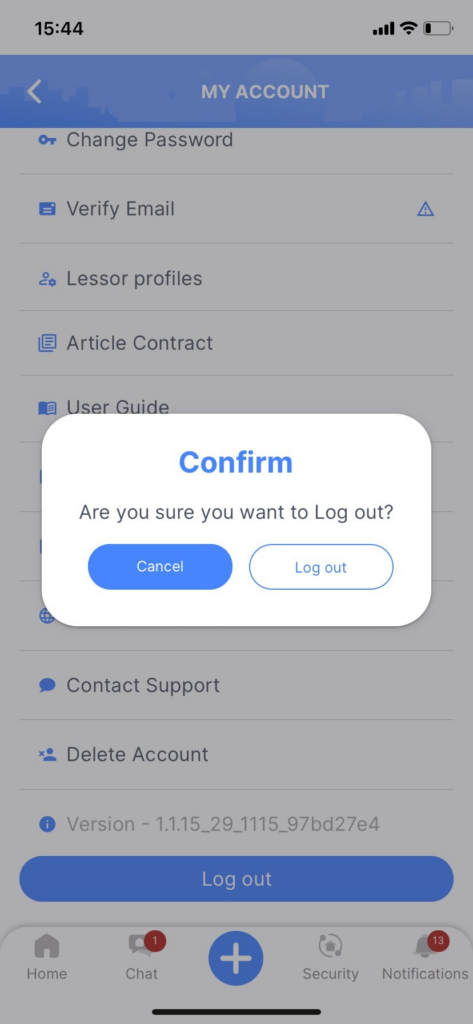
Step 1: On the “My Account” screen, tap the “Logout” button.
Step 2: Confirm by selecting “Logout.”
After confirming, you will be logged out of your PM Apartment account and redirected to the app’s login screen.
Edit Account Information
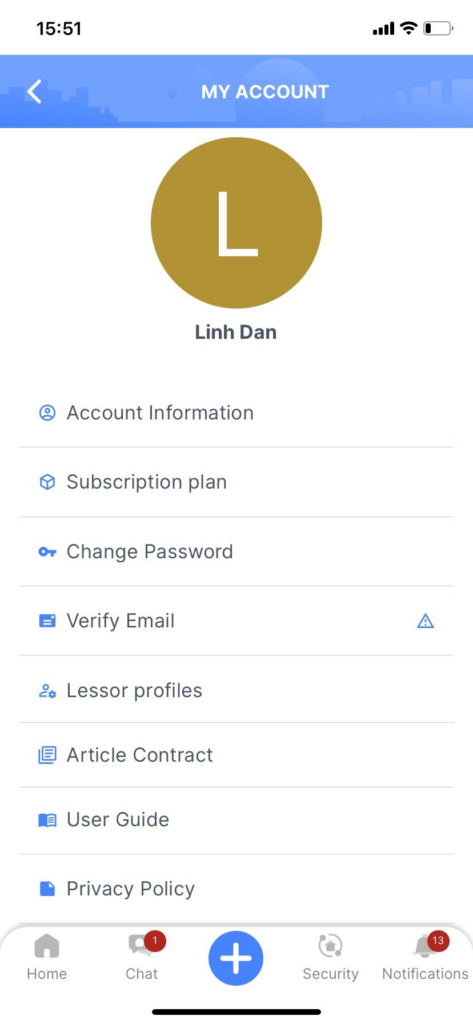
On the home screen, tap the user profile icon in the top right corner to access the “My Account” screen.
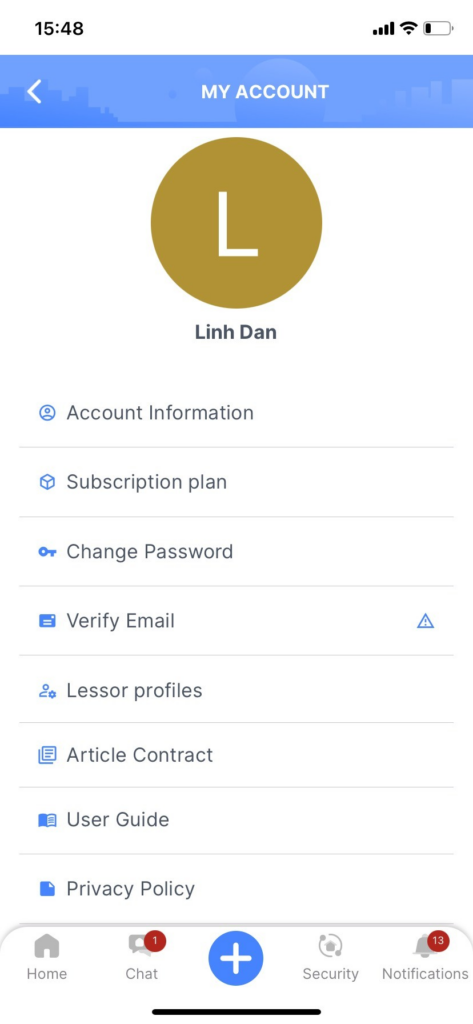
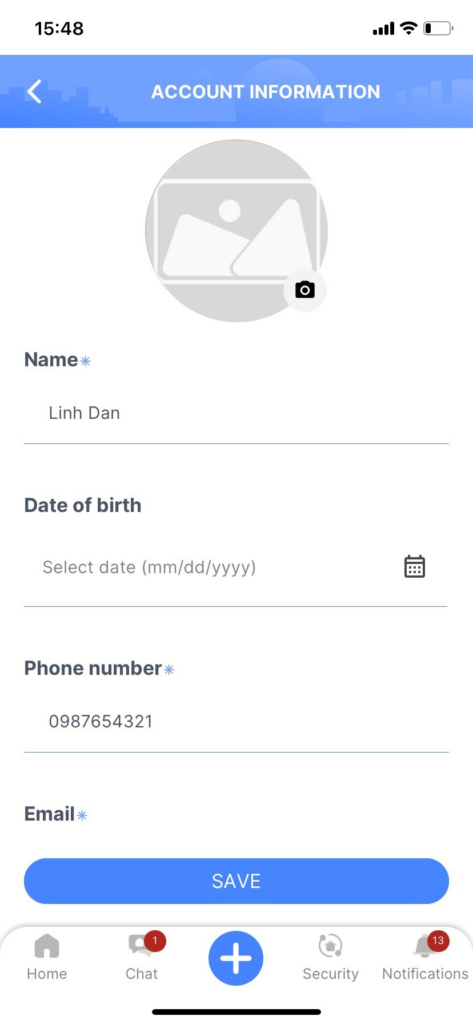
Step 1: On the “My Account” screen, select “Edit Account Information.”
Step 2: In the “Edit Account Information” section, you can edit the following details:
Step 3: Save your changes by tapping “Save.”
Change Password
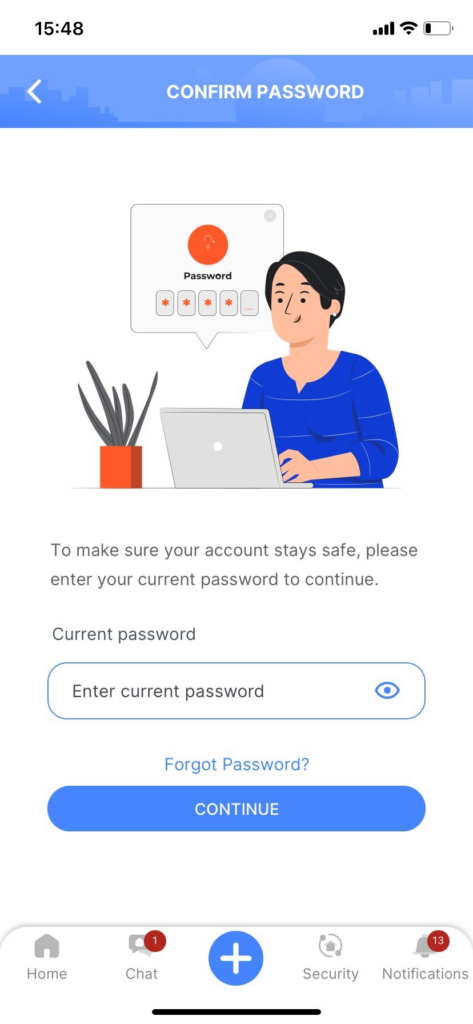
Step 1: On the “My Account” screen, select the option “Change Password.”
Step 2: Enter your current password (the password you are using for the PM Apartment account).
Then tap “Continue.” If the current password is valid, you will be redirected to the “Change Password” screen.
If you have forgotten your current password, tap “Forgot Password,” and you will be redirected to the “Forgot Password” screen. Follow the password recovery process.
Step 3: On the “Change Password” screen, enter your new password. Make sure:
- The password is at least 6 characters long.
- The password does not contain spaces.
- The new password is different from the current password.
Step 4: Confirm your new password by re-entering it.
Then tap the “Confirm” button to save your new password.
Your password has now been updated.
Verify Email
Step 1: On the “My Account” screen, select “Verify Email.”
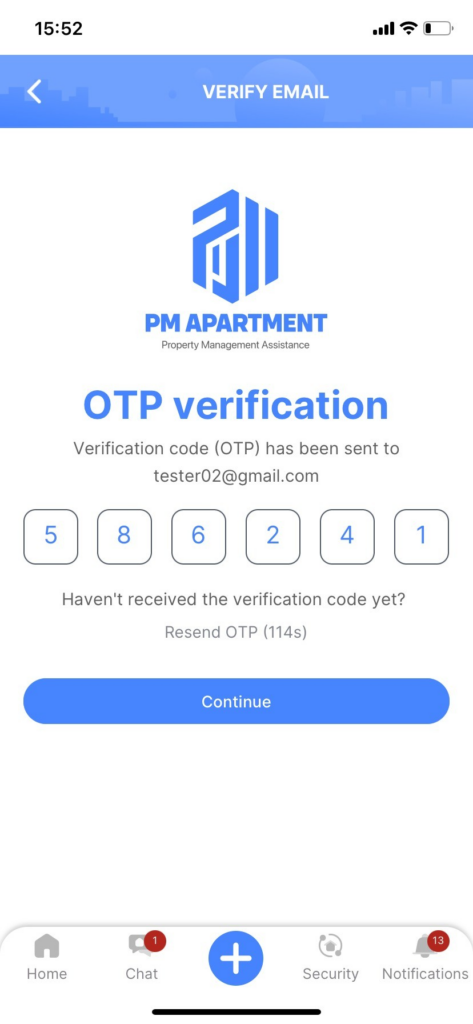
Step 2: Check your email inbox for an email from PM Apartment containing an OTP code.
Step 3: On the “Verify OTP” screen, enter the code you received in the email. Then tap the “Continue” button.
If you have not received the verification code for your email address, you can easily request a new code by tapping “Resend.”
Change Language
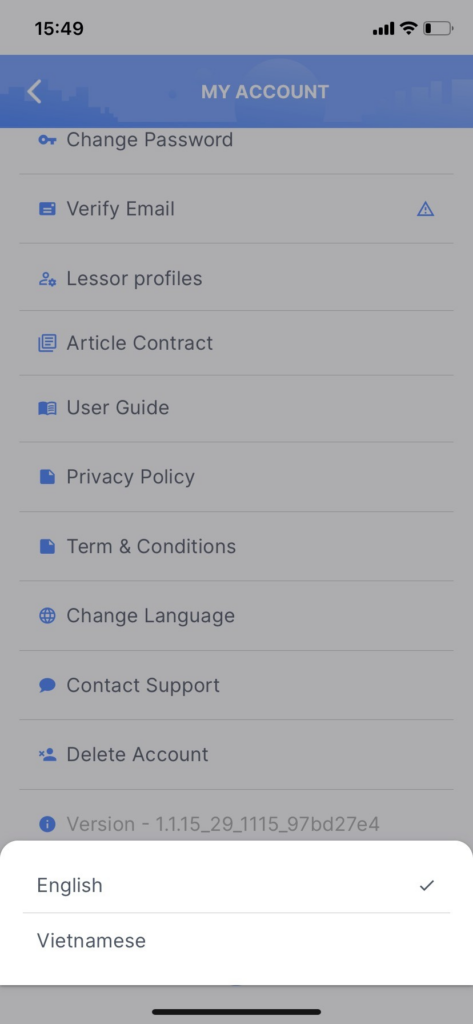
PM APARTMENT supports two languages: English and Vietnamese. You can easily switch between languages by adjusting the settings in the “My Account” page.