
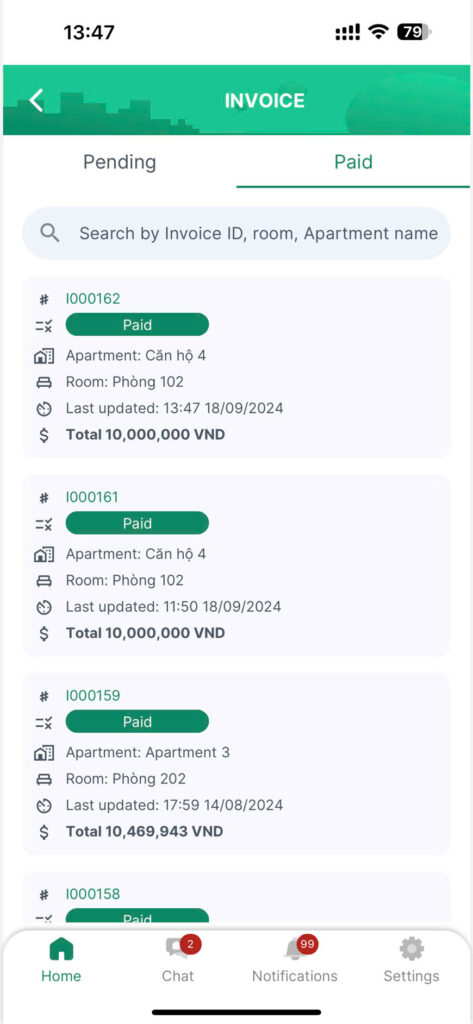
Tenants can pay monthly invoices and track the payment status of each invoice.
Invoices in “Pending” status: When a service request is completed, the landlord creates the invoice and sends it to the tenant.
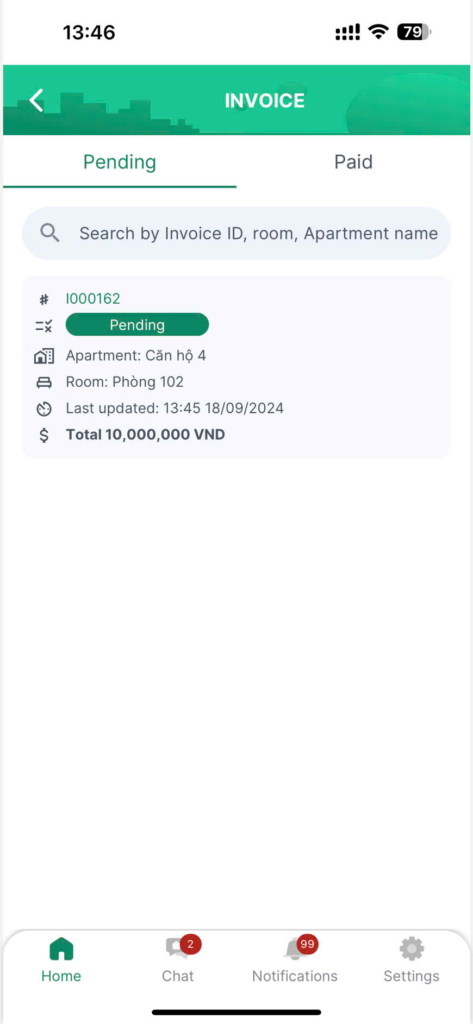
Steps to pay an invoice:
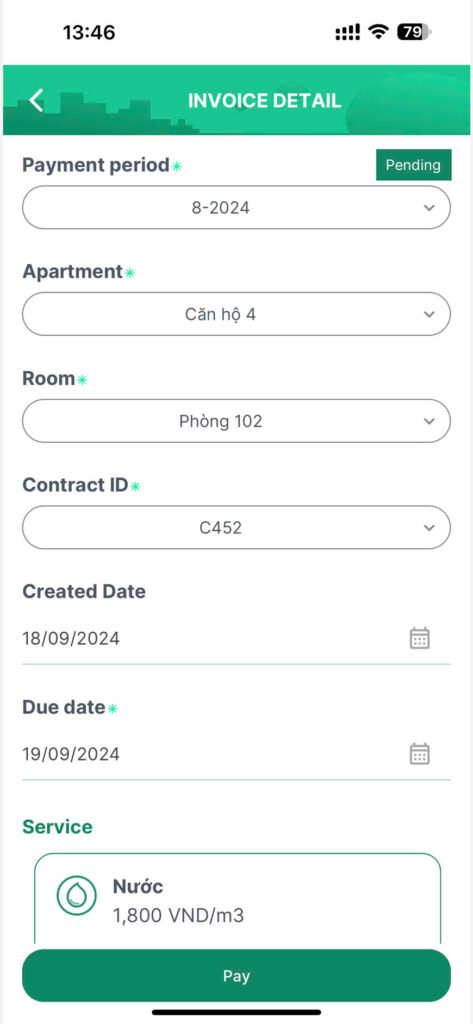
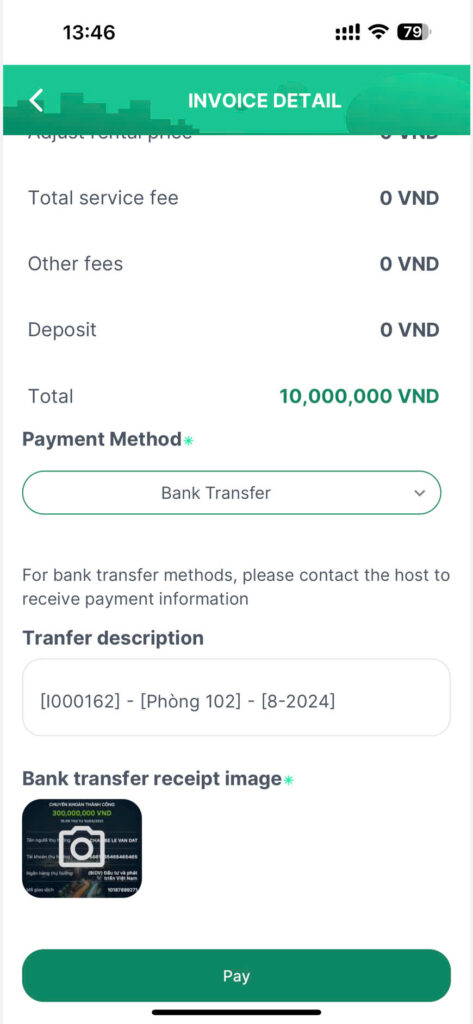
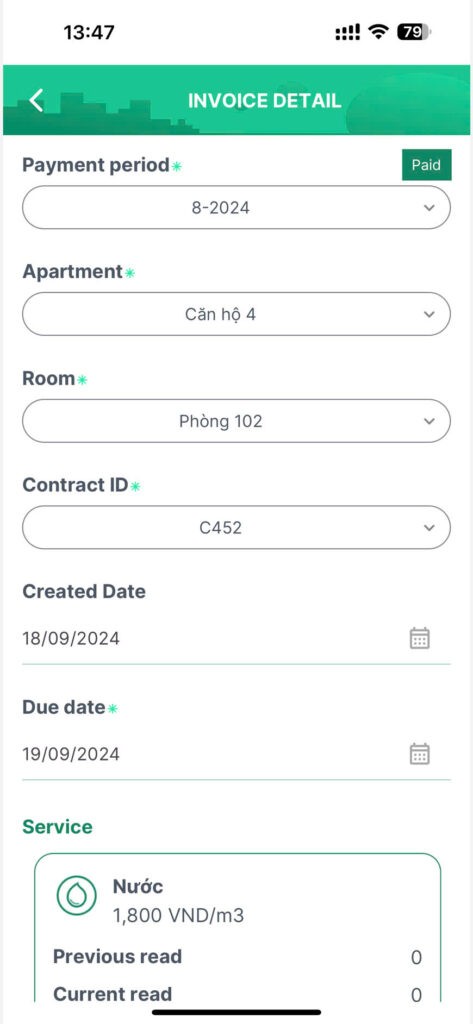
Step 1: Select the invoice to be paid, review the information, choose the payment method (if necessary), and
If you’re paying by bank transfer, please upload the image of the bank transfer receipt
Step 2: click on the “Pay” button.
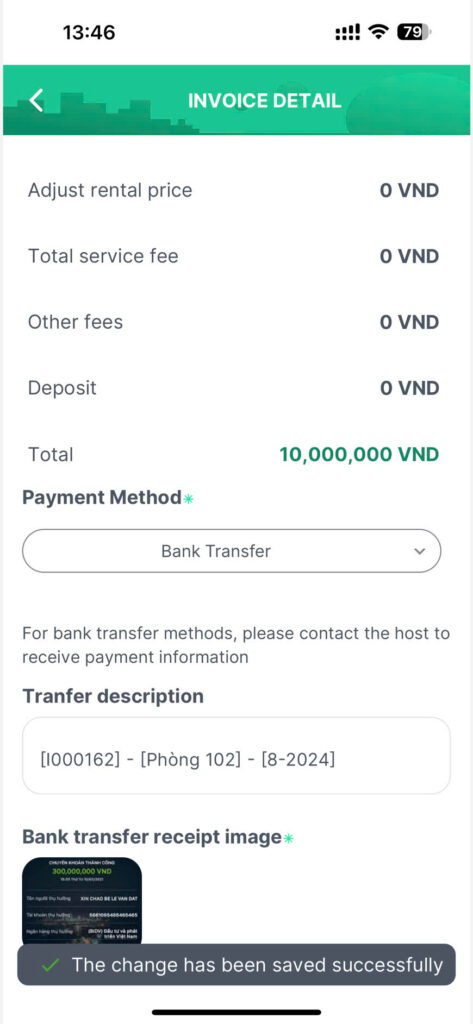
Step 3: The invoice will be sent to the landlord in “To confirm” status.
Step 4: When the landlord verifies that the payment has been received, they click on the “Mark as paid” button. The invoice will then be updated to “Paid” status.
Note: If the invoice is expired, it will be updated to “Expired” status. At this point, the tenant can still proceed with paying the invoice.


